
The Open University
How to book your ceremony
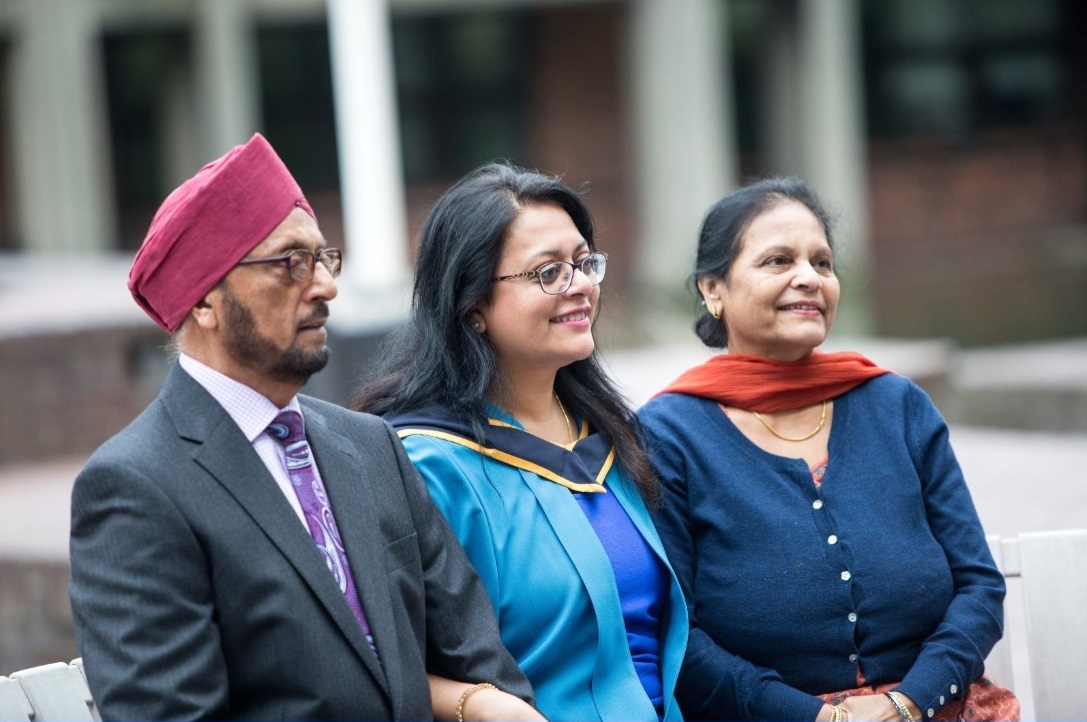
Attending a ceremony is a major milestone in your Open University journey. It’s your opportunity to celebrate your achievement with family, friends, and fellow graduates, reflect on your success, and look ahead as part of the Open University alumni community.
Choose your preferred ceremony
Start by reviewing the List of ceremonies and decide which you’d most like to attend. Ceremonies take place across England, Scotland, Wales, Northern Ireland, and the Republic of Ireland, with various weekday and some weekend options, including morning and afternoon sessions.
If you have any questions or concerns about the suitability of a venue for you or your guests, please contact the Ceremonies Centre.
When can you book
The exact date and time booking opens will be detailed in the Booking Information notes on the List of Ceremonies page – if no details are listed, please check back later.
We strongly recommend that you book your preferred ceremony as soon as bookings open to avoid disappointment.
Ceremony bookings are subject to availability and are allocated on a first‑come, first‑served basis. We therefore recommend that you avoid making any non‑refundable travel or accommodation arrangements until your booking has been placed and confirmed.
How to book
Watch a video guide on how to make a ceremony booking.
The easiest way to secure your ceremony place is by booking online. Phone bookings can only be made by calling the Ceremonies Centre, but please be aware that lines are extremely busy the week that bookings open. Please note that if you hear a dead tone when you call, this is not a fault on the line; please redial.
Ceremonies cannot be booked by email or webchat.
Before you start
Make sure you have:
- The date, time, and location of your preferred ceremony/ies
- Your personal identifier
- Your StudentHome login details
- The number of guest tickets you wish to purchase
- Your payment card
When booking opens
- Go to the List of ceremonies page.
- Select your ceremony and click ‘View / Book’.
- Click ‘Book ceremony’ and log in to your student account.
- Follow the prompts to complete your booking.
Troubleshooting
If you cannot see the pink 'Book Ceremony' button on your chosen ceremony page:
- Ensure you are logged in.
- Try refreshing the page.
- Clear your browser cache.
- Try scrolling further down the page if using a mobile device.
- Check that the ceremony is still open for booking and has not subsequently become full.
Booking confirmations
- All guest tickets must be paid for in full before your booking can be confirmed.
- Your booking will be unsuccessful if you receive an error message or do not reach the final confirmation page.
- On the final confirmation page, you have the option to download a printer-friendly receipt or save the page.
- A confirmation email will be sent approximately 24–48 hours after you complete your booking, but you can also view your booking on StudentHome.
Contact us
The Ceremonies Centre is open and ready to support you.
Ceremonies Centre
PO Box 123
Walton Hall
Milton Keynes
MK7 6DQ
[email protected]
+44 (0) 1908 541079
Mon to Thurs 09:00 - 16:30
Fri 09:00 - 16:00
Please note: The Ceremonies Centre will be closed on ceremony days due to all staff attending. Unfortunately, we will be unable to respond to telephone calls or emails during these times.


Explore

Undergraduate
Postgraduate
Policy
-
Follow us on Social media
-


